

City Smasher Puzzle Arcade
Colorful and satisfying demolition puzzles. Easy to learn, with strategic depth for all ages.
Level Editor 2 is an online puzzle game that combines character movement with block placement. The core objective is to guide a character through each level by placing blocks to overcome obstacles and reach the exit. What makes this game unique is its blend of puzzle solving and creative freedom, as players must think strategically about where to place blocks to create safe paths or block dangers. The game encourages problem-solving and imagination, making it a family-friendly activity suitable for all ages.
Players typically control a character using arrow keys on their keyboard. The goal is to navigate through each level and reach the exit. Along the way, players use their mouse to click on empty spaces to place blocks. These blocks can be used to create bridges, block hazards, or form new routes. Each placement is important, as blocks are limited, so players must think carefully about their strategy. The controls are intuitive, allowing beginners to learn quickly while still offering depth for experienced players.
Level Editor 2 includes creative level building with a simple editor, allowing players to design their own levels and share them. The game features intuitive controls using arrow keys and mouse clicks. It offers endless puzzle challenges with user-created levels, ensuring fresh content. The content is family-friendly and suitable for all ages. The game encourages logical thinking and creativity through its open-ended puzzle design.
To succeed in Level Editor 2, take time to observe each level before making any moves. Plan your block placements carefully, as resources are limited. Experiment with different strategies to find the most efficient solution. Practice regularly to improve your problem-solving skills and speed. If you get stuck, try approaching the puzzle from a different angle or look for patterns in the level layout.
Colorful and satisfying demolition puzzles. Easy to learn, with strategic depth for all ages.

Clever strategy and safe fun. Great for players who enjoy puzzles and planning.
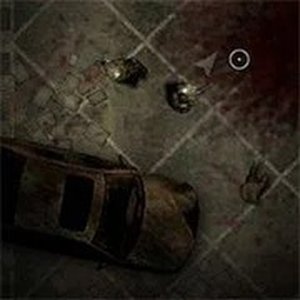
Cooperative survival with simple controls and endless waves. Great for quick gaming sessions.

Clean design and smooth gameplay. Great for short breaks and improving aim.
Clean design and smooth controls. A relaxing arcade game that is fun for all ages.

Blocky graphics and simple controls make this a fun, safe dungeon crawler for all ages.