Game Introduction:
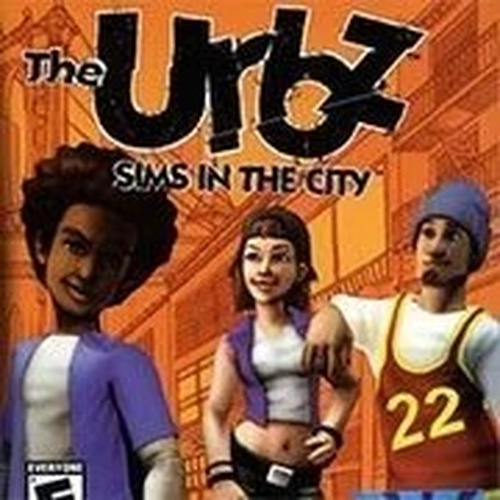
The Urbz: Sims in the City is a life simulation game where you create your own character and dive into a bustling city full of opportunities. You can customize your Urbz's appearance, build a home, make friends, and explore various neighborhoods. The game focuses on social interactions, career growth, and personal achievements. With its engaging gameplay and creative freedom, it offers a unique experience for players of all ages. The city is your playground, and every decision shapes your character's journey.
How to Play:
Press ENTER to start or pause the game. Only a keyboard is needed. Hover your mouse over the game to see icons at the bottom. Click the keyboard icon to view controller buttons mapped to your keyboard. For example, A = Z means the A button equals the Z key. You can change keys by clicking a button image and pressing a new key. Recommended keys: W/A/S/D for movement, J/K/L/I for actions. Default keys: Arrows, Z, X, A, S, Enter, Backspace. Some keys do nothing. Save progress by hovering over the game, clicking the down arrow icon to save to your computer, and load it later with the up arrow icon.
Game Features:
Creative character customization, social interactions, career building, and local save/load.
Game Conclusion:
The Urbz: Sims in the City offers endless fun with its open-ended gameplay and easy keyboard controls, perfect for family-friendly gaming.