
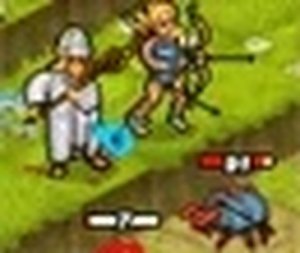
Ultimate Defense Tower Defense
Clean, strategic tower defense with no violence. Easy to start, hard to master. Great for all ages.
The Urbz: Sims in the City is a life simulation game that invites players to create their own character and explore a vibrant city. The core objective is to shape your character's life through social interactions, career development, and personal goals. Every decision influences your journey, making each playthrough unique. The city serves as an open playground for creativity and exploration, emphasizing social connections and personal growth.
To begin, press ENTER to start or pause the game. Only a keyboard is needed. Hover your mouse over the game to see icons at the bottom. Click the keyboard icon to view controller buttons mapped to your keyboard. For example, A equals the Z key. You can change keys by clicking a button image and pressing a new key. Recommended keys include W/A/S/D for movement and J/K/L/I for actions. Default keys are Arrows, Z, X, A, S, Enter, and Backspace. Save progress by hovering over the game, clicking the down arrow icon to save to your computer, and load it later with the up arrow icon.
Creative character customization offers many options for appearance and clothing. Social interactions let you build friendships and relationships with other characters. Career building allows you to work jobs and advance your skills. The local save and load system lets you store progress on your computer and continue later. The game emphasizes open-ended gameplay that encourages creativity and personal expression.
Focus on building strong social connections early to unlock more opportunities. Experiment with different career paths to discover what suits your character best. Regularly save your progress using the local save feature to avoid losing achievements. Take time to explore all neighborhoods for hidden interactions and items. Balance work and social life to maximize your character's happiness and success.
Clean, strategic tower defense with no violence. Easy to start, hard to master. Great for all ages.
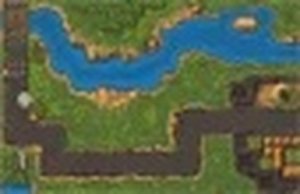
Simple controls and escalating challenge. Great for quick strategy breaks. Family-safe fun.

Clean design and smooth gameplay. Great for short breaks and creative planning.
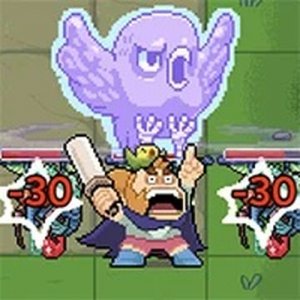
Bright, safe, and engaging. Perfect for young fans of the show. Encourages creativity and teamwork.

Clean design and smooth gameplay. Great for short breaks. Strategic depth without being too complex.

Clean movement mechanics and bright levels. A safe choice for family gaming sessions.